From sheet music to playing it by heart. Klavis Piano helps you get there.
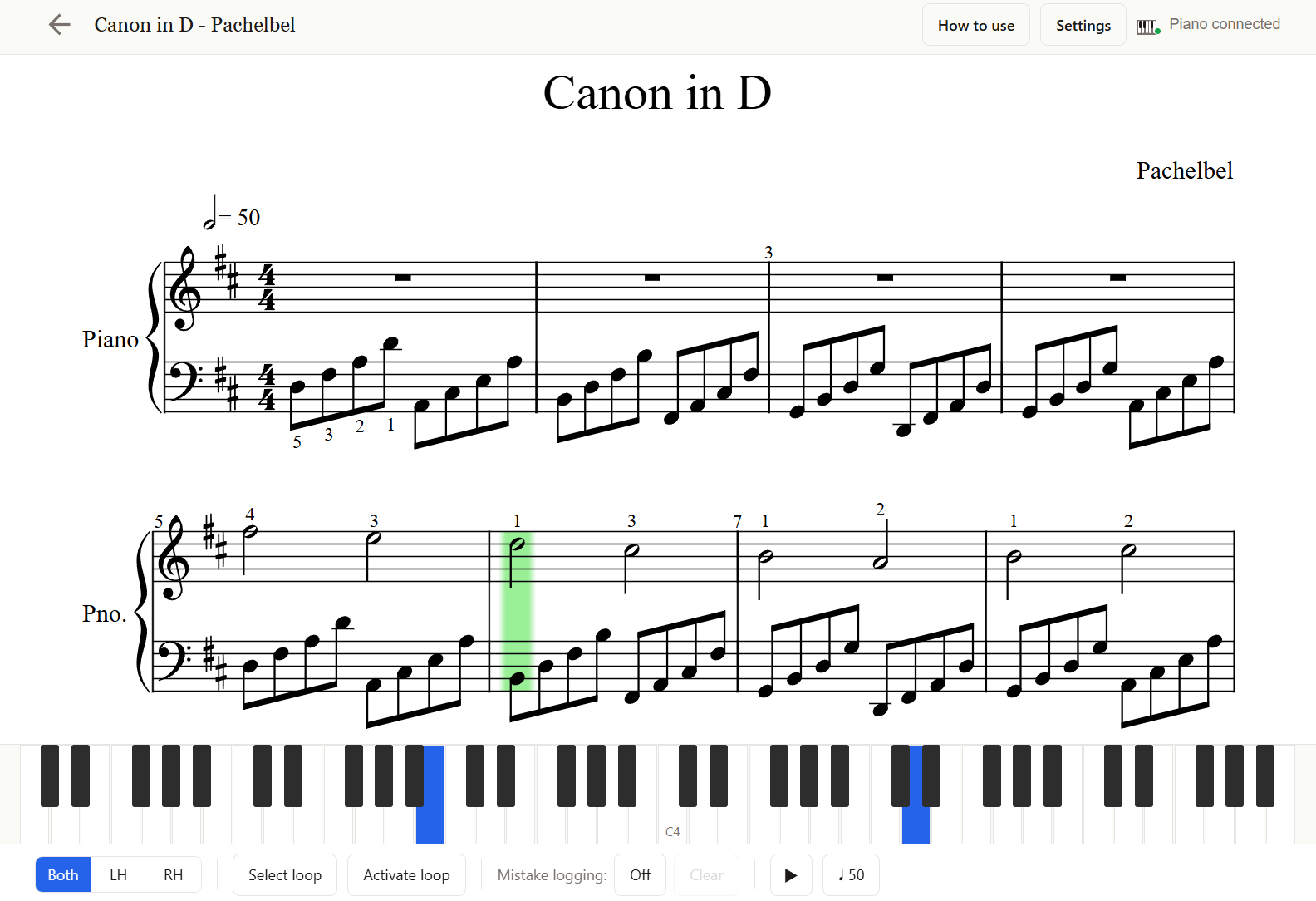
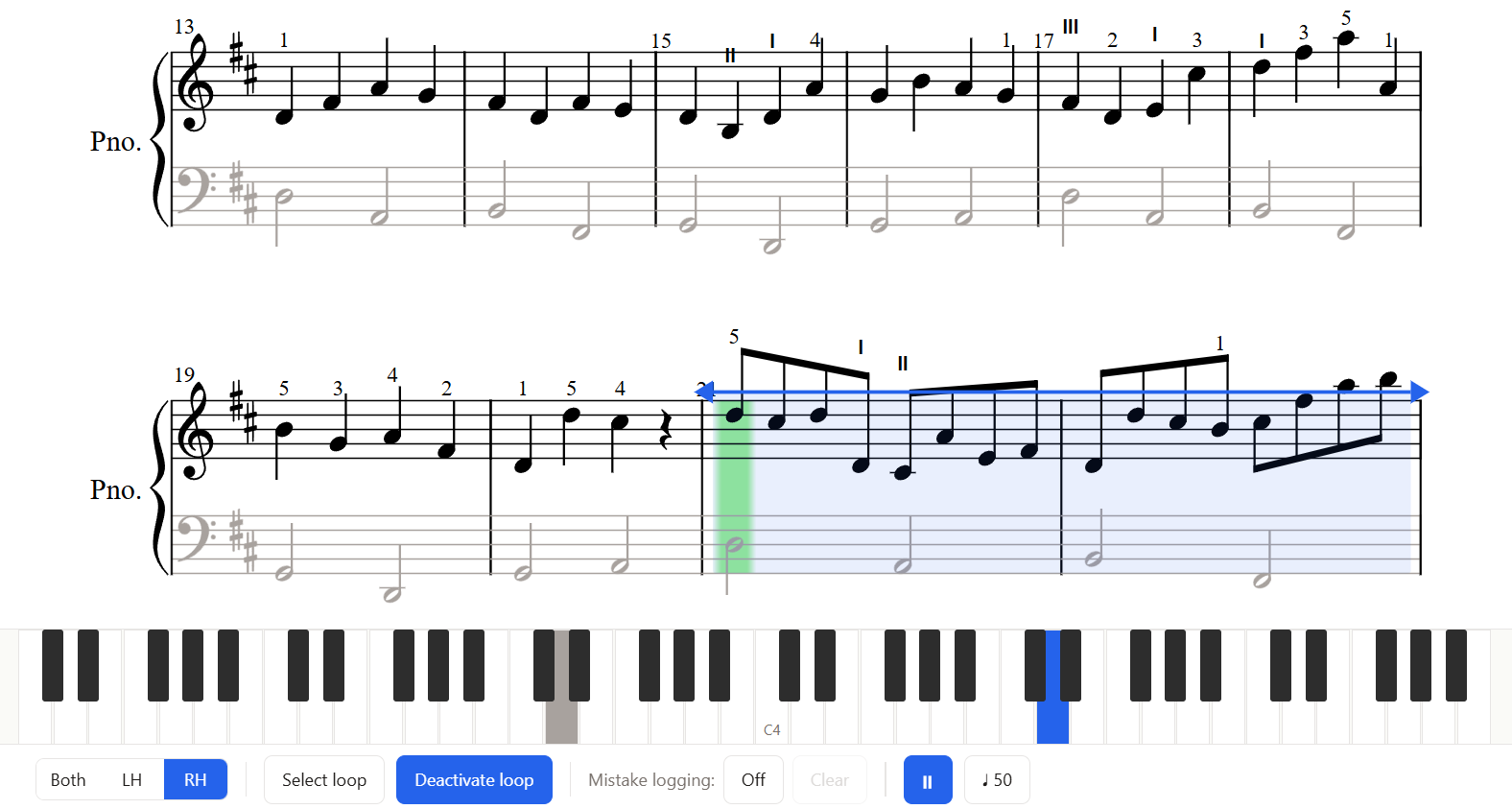
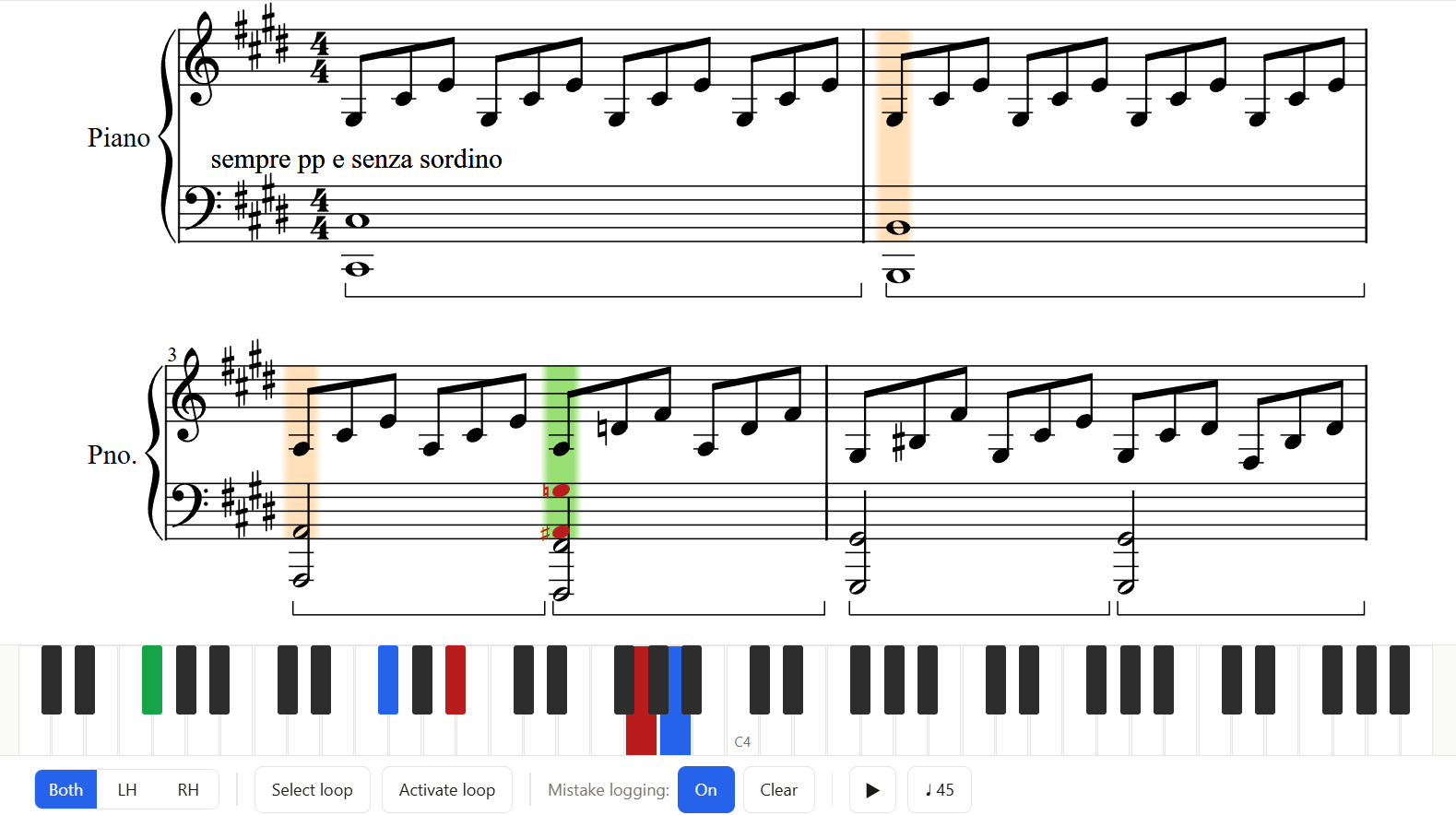
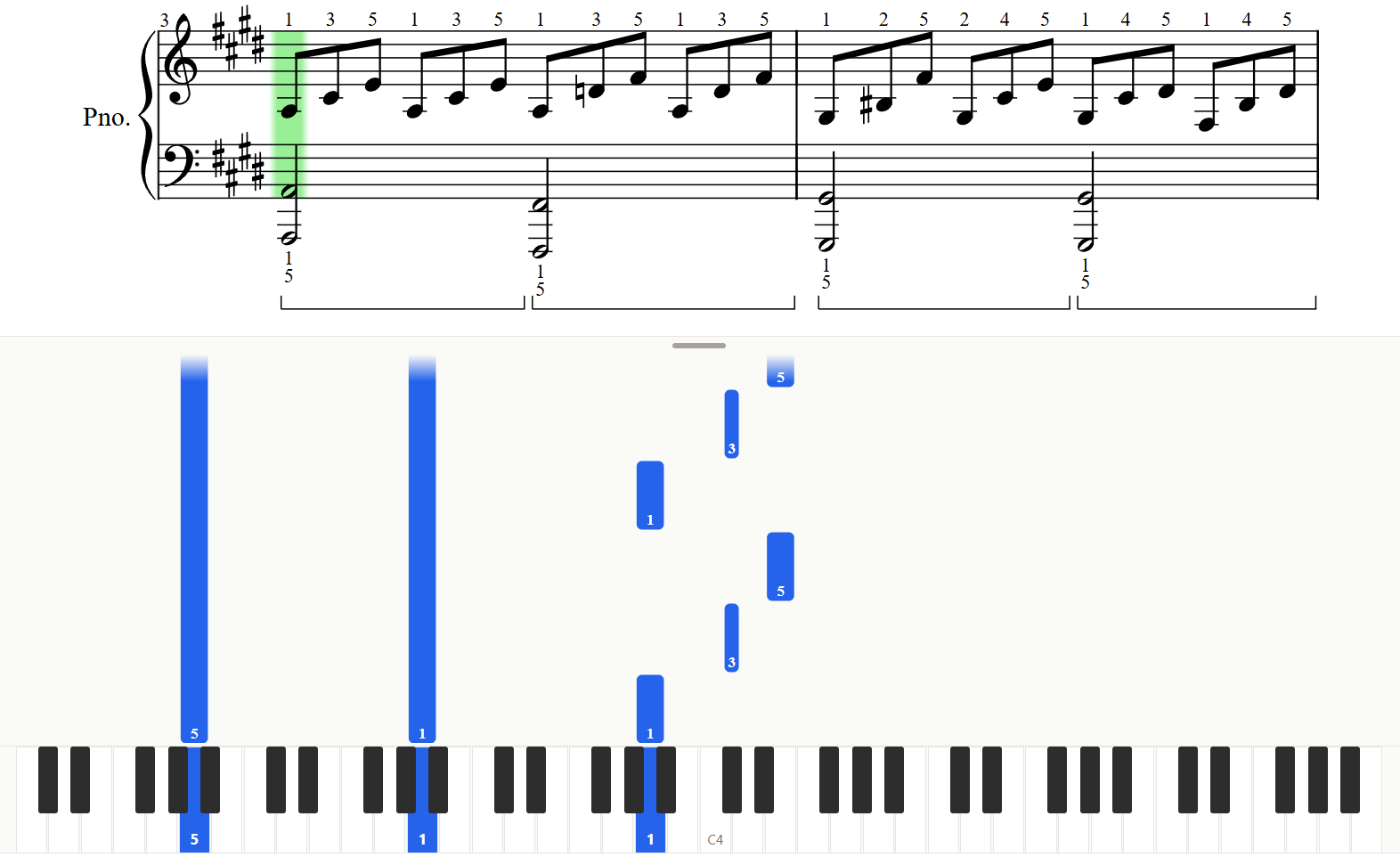
Choose from over 15,000 free songs or import your own sheet music. Connect your digital piano via USB or Bluetooth, and Klavis follows along as you play, guiding you until you master the song.
Free · No account needed · Works in your browser
How Klavis Piano works
Data remains on your device
The sheet music you import and your practice data stay on your device and are never uploaded to our servers. Nothing to sign up for.
How to use Klavis Piano
Import
Import any MusicXML file (.mxl, .xml, or .musicxml) from your device or choose one from the Klavis Piano Library with over 15,000 free songs.
Connect
Connect your digital piano to your tablet or computer over USB or Bluetooth MIDI and allow access when asked.
Play
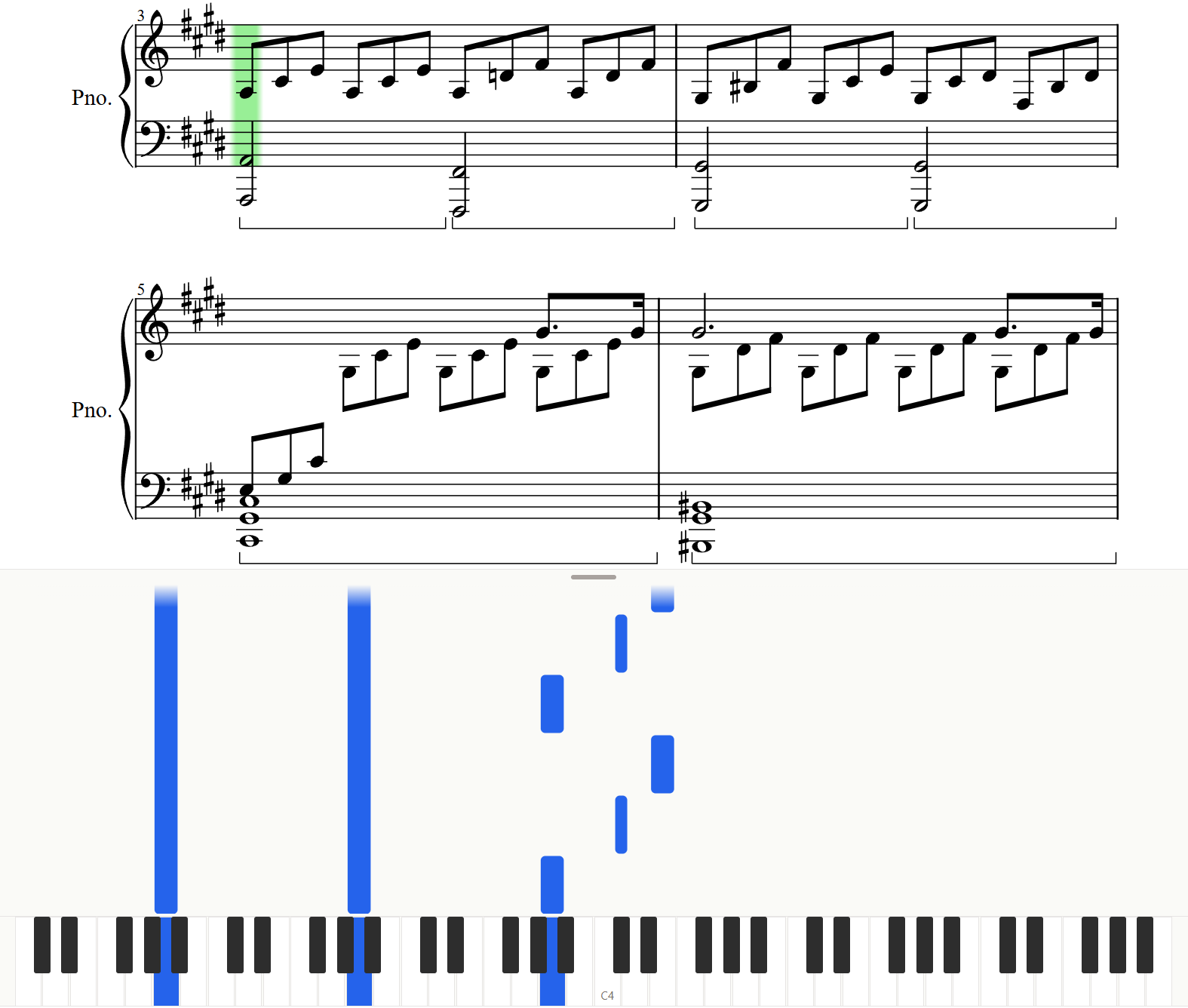
Open a song, start playing, and Klavis follows along, guiding you note by note.
Note: you need a digital piano connected over USB or Bluetooth MIDI and a recent version of Chrome or Edge. Firefox works over USB only. Safari is not supported, as it does not allow the MIDI connection Klavis Piano needs. Your imported files and practice data are stored locally in your browser. Closing and reopening the browser will not affect your imported pieces. However, clearing your browser data will remove them. Always keep your own copies of your files. See our Privacy Policy.